
A calmer
Sunday.
Plan the service, present Scripture, run the room, and keep a backup — one reliable cockpit built for the local church.
60 days of Pro + 200 AI Units during the beta · no charge · no setup call required.

Everything the service needs.
One place.
No more hopping between a slide deck, a Bible app, a song book, a camera window, and a streaming page. Wordlyte keeps the service in one place.
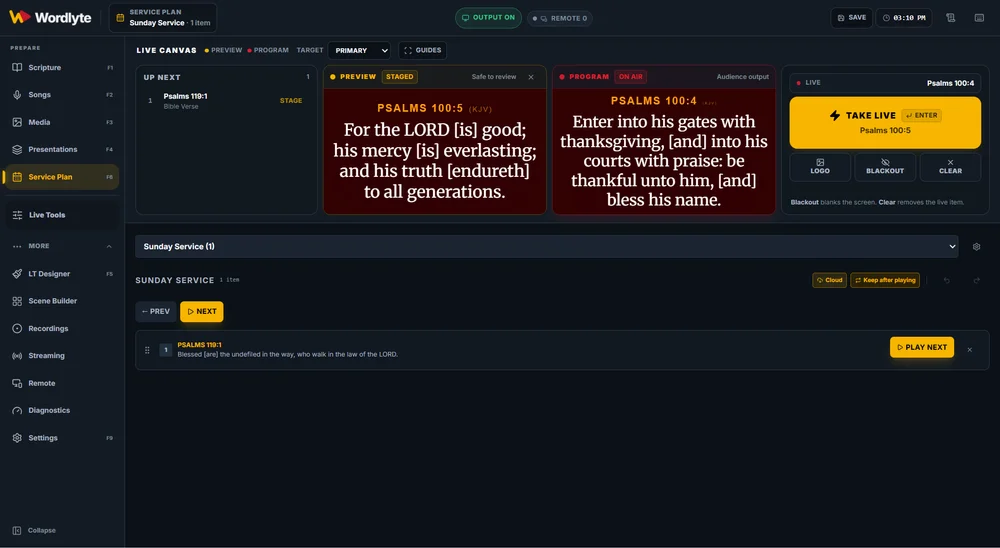
Plan the service
Build the plan in the Dashboard. Pull it onto the desk. Re-sync without duplicating local edits.
Present Scripture
Search the translations your church uses. Stage the verse. Go live only when you are ready.
Run the room
Preview, Program, Blackout, Clear, stage display, recording, and RTMP streaming in the same cockpit.
Scripture, ready
before you say it.
Search by reference or let the Live Scripture Assistant listen. Keep the verse staged, review it, and send it live with the same safe output controls.
- Multiple translations and a fast book / chapter / verse picker.
- Preview and Program are separate — the congregation only sees what you send.
- Blackout, Clear, Undo, and a real stage display.

AI that suggests.
You decide.
Live transcription follows the sermon, detects references and close quotations, and surfaces a Scripture card with a confidence score. The operator reviews the card and chooses Stage or Go Live.
- Real-time transcript with detected references and quotations.
- Nothing auto-goes live by default. AI Auto Live is off unless you enable it.
- 200 AI Units included for the beta. No provider keys on the church computer.


Ready for the room.
The real audience screen.
The verse on the projector and a confidence display for the team. Preview is not live. Program is what the congregation sees.


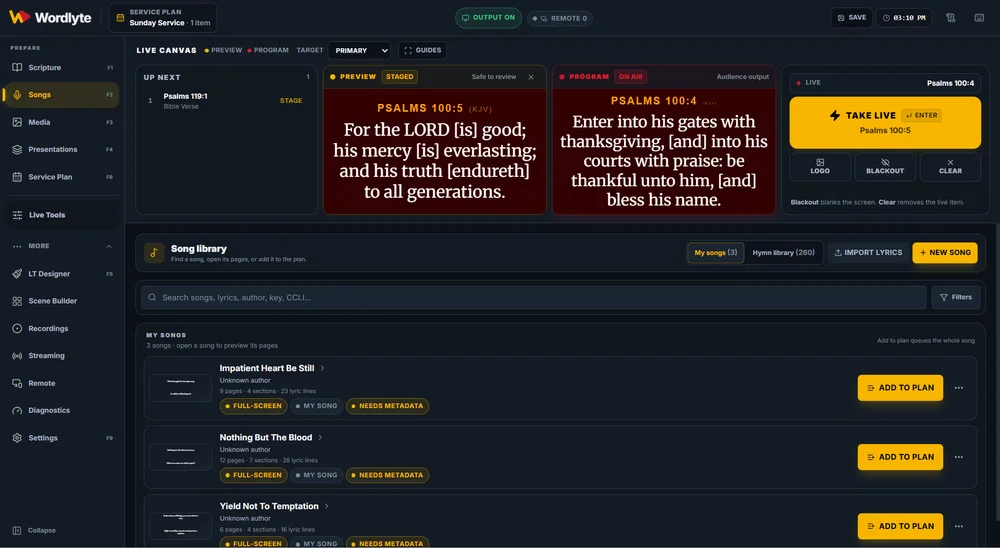
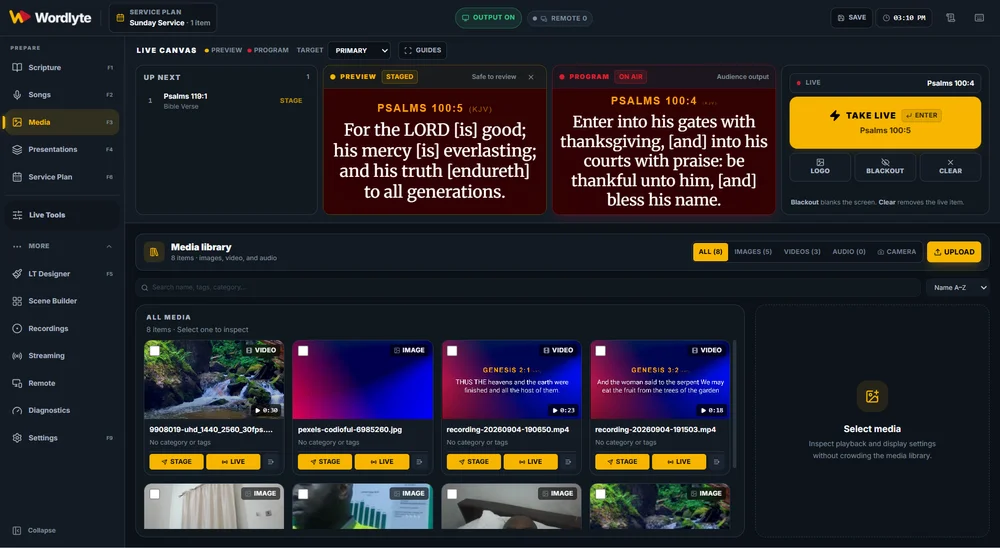
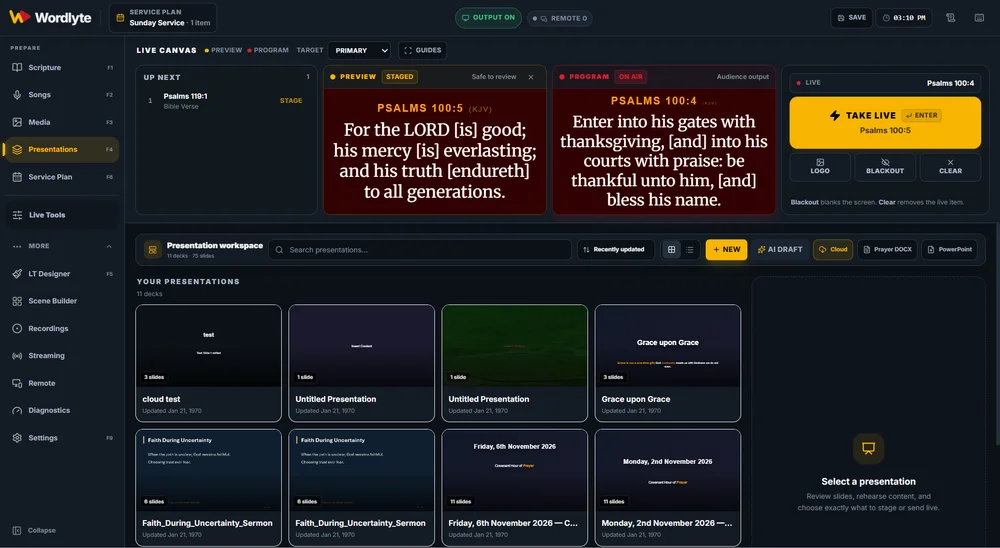
Songs, media, presentations,
and the plan.
Everything the service needs is already in the app — not scattered across five folders and a USB stick.
60 days of Pro.
200 AI Units. No charge.
We are inviting a small group of churches to run Wordlyte in real services before public launch. You get the Pro production features, the AI add-on, direct support, and a say in what we build next.
Keep your current presentation software installed as the fallback for the first service.
Register your church
for the beta.
Tell us about your church. We review every request and reply within two business days. No setup call is required.
- A real service, a Windows computer, and a projector or TV.
- An audio feed from your mixer, interface, or camera.
- A media volunteer and a champion who can install software.
- About 45 minutes for setup and a short rehearsal.
We use your details only to contact you about the Wordlyte beta. No newsletters, no resale, no spam.
Request beta access
Fields marked * are required.
Your request is in.
Thank you. We will reply to your email within two business days. You can download Wordlyte now and read the five-step setup while you wait.
Download WordlyteBefore you register.
What does the beta cost?
Nothing during the beta. Each church gets 60 days of Pro and 200 AI Units. We will agree commercial terms before the beta ends; nothing auto-charges.
Do we need a setup call?
No. The download page has a five-step setup guide, and support is available by email or WhatsApp if you get stuck. We can join remotely if you want help.
What computer do we need?
Windows 10 or 11, 64-bit, with administrator access, 8 GB RAM or more, at least 5 GB free disk, a projector or TV on an extended display, and an audio feed from your mixer or interface.
Is the installer signed?
Not yet. The beta installer is unsigned, so Windows SmartScreen may show “Windows protected your PC”. Choose More info, then Run anyway. Code signing is the next release gate.
Does it work offline?
Core presentation works offline after activation. Cloud plan sync, AI Scripture, and streaming need internet.
What happens after the beta?
We will agree commercial terms with each church before the beta ends. There is no automatic charge and no surprise renewal.